 EN
KeePassXC: review, download and setup
KeePassXC: create a local KDBX password database, generate passwords, make backups and connect the browser extension.
What is KeePassXC used for?
KeePassXC stores records in the encrypted KDBX database. The program is suitable for those who want to choose the storage location and create copies of the file. For the main local work, the account of the cloud service is not required.
The responsibility for the restoration remains with the owner. Loss of a base, master password or additional key file can deprive it. The first step is not to transfer all accounts, but to create a database and check the copy on an unimportant record.
| Item | Details |
|---|---|
| Platforms | Windows, macOS, Linux |
| Use case | Password managers |
| Download source | Use the project’s official page and choose the build for your operating system. |
| Version and terms | Current builds and conditions of use are given from the developer. The review does not record the unchanged version number. |
The KeePassXC database: master password and backup
Choose a clear storage location and a long unique master password. If you add a key file, consider restoring it: it becomes a mandatory part of access. Do not keep the only instance of all factors on one device.
Share the records for appointment and save the correct site URL. The generator helps to create different passwords for services. Auto-filling requires an official KeePassXC-Browser and communication permission with the base. The similar name of the third-party extension does not confirm its origin.
Download KeePassXC from the official website
Select the supported platform on the project page. The link leads to the selection of the distribution, and does not start the installation automatically.
Use the official download address. Check the signature or checksum if the project publishes one. Keep secret configuration files private when contacting support.
Getting started with KeePassXC
- Install KeePassXC from the project's website. Create a database in the selected directory.
- Ask a master password that is not used on the sites. Prepare a secure recovery plan.
- Add a test record, close the database and open it again.
- Make a separate copy of KDBX and check its opening before transferring important records.
- To autofill, set KeePassXC-Browser by the link from the documentation and set up a link.
KeePassXC interface and illustrations
Interface screenshots
The origin of the images is indicated in the sources below. The interface of the installed version may differ.
KeePassXCKeePassXC Record Database Window
1 of 1. KeePassXC: KeePassXC Record Database Window
Limitations and data protection in KeePassXC
Synchronization of KDBX requires attention to conflicts. Parallel editing on different devices can create several copies. Don't delete conflicting files until you find out where the last changes remain.
An unlocked database and the clipboard are accessible parts of your working environment. Lock the database when you step away and check where you paste passwords. A password manager cannot remove malware or make a phishing site safe.
Alternatives for related tasks
KeePassXC is convenient for a local file controlled. Bitwarden is worth comparing if regular synchronization through an account is important. Evaluate not only the generator, but also who provides copies and what will happen in case of loss of the device.
Questions and answers
Need a KeePassXC account?
No account is required for the local database. You choose KDBX placement and copying.
Can you restore the forgotten master password?
Do not rely on the help of the developer in the decryption. Check the unlocks and individual copies in advance.
Can I store KDBX in the cloud?
You can sync the file, taking into account conflicts and protecting the cloud account. It doesn't replace the backup.
Other tools for similar tasks
Bitwarden
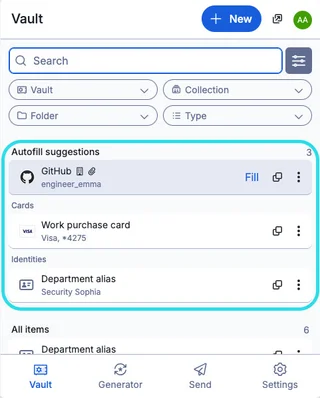
Bitwarden: official downloads, extension setup, autofill, account protection and access recovery.
Review and setup →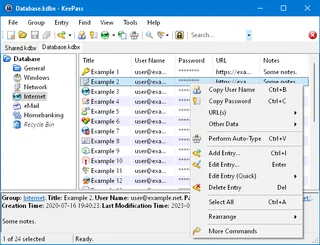
KeePass
KeePass: local KDBX password databases, official downloads, master key setup, password generation and backup verification.
Review and setup →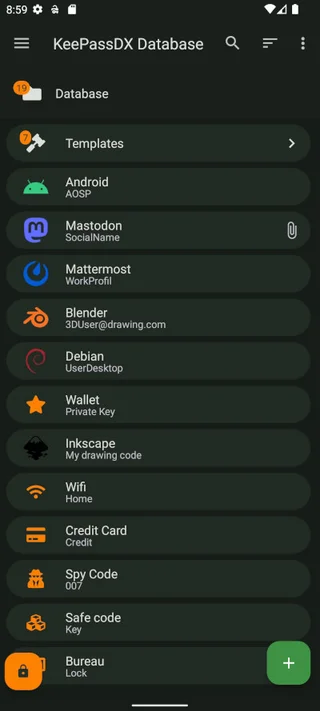
KeePassDX
KeePassDX: a local password database on Android, trusted installation sources, autofill, locking and KDBX backups.
Review and setup →Related reading

Passkey, TOTP or SMS: protection of the exchange account
Selection of the method of entry and preparation of access recovery.
Read article →
Fake support for the exchange: how to check the request
Checking the access to the installation of programs and the transfer of access.
Read article →About the author

Crypto, fintech and Web3 expert with a background in marketing. Covers digital-asset projects, industry risks and fraud prevention.
Professional websiteDocumentation and images
Official sources, image credits and review methods
- Download KeePassXC
- Documentation KeePassXC
- KeePassXC Record Database Window: illustration source — Screenshot of the official documentation or site of the project; editorial illustration of the interface, rights of the rightholder.
The review was prepared on the project documentation. The installation and independent testing of the distribution within this material was not carried out. The rights to the interface and the names are reserved for the respective rights holders.