 EN
Password managers
Local databases and synced vaults for saving entries, autofill and recovering access.
Programs in this category
10 tools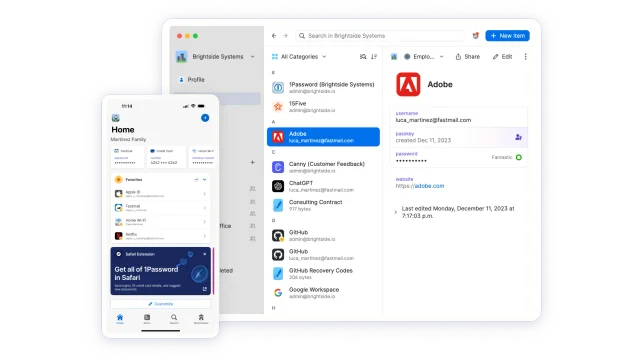
1Password
Set up 1Password apps, vaults and the browser extension, then check recovery and import.
Password managers · Windows, macOS, Linux, Android, iOS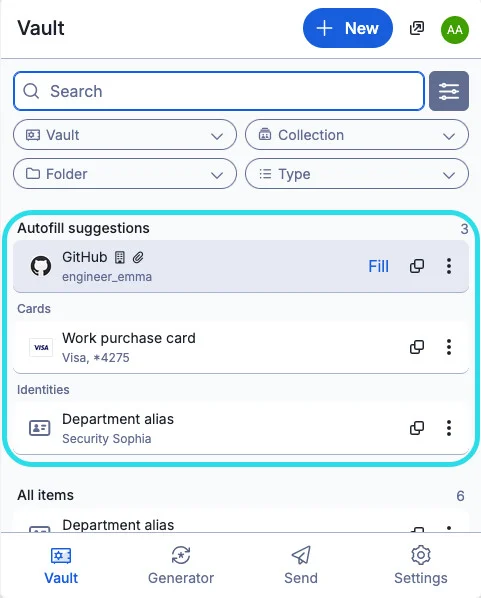
Bitwarden
official downloads, extension setup, autofill, account protection and access recovery.
Password managers · Windows, macOS, Linux, Android, iOS, Web client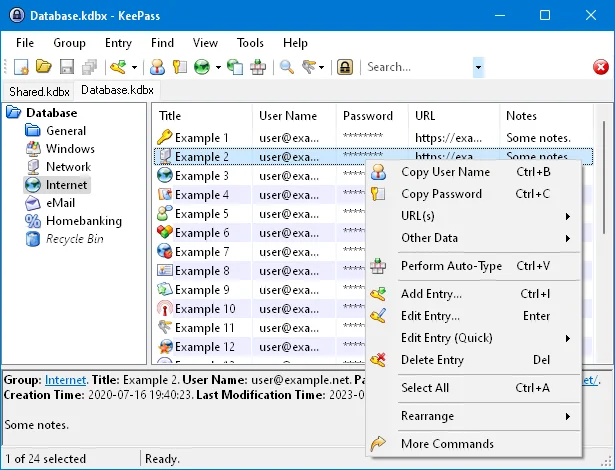
KeePass
local KDBX password databases, official downloads, master key setup, password generation and backup verification.
Password managers · Windows, macOS, Linux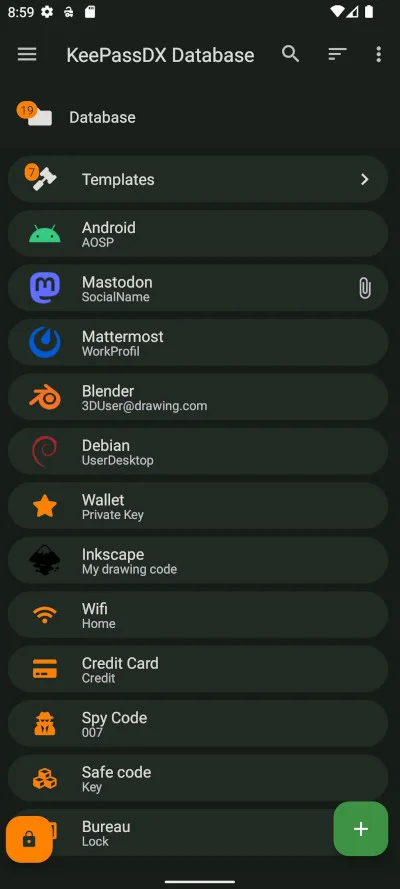
KeePassDX
a local password database on Android, trusted installation sources, autofill, locking and KDBX backups.
Password managers · Android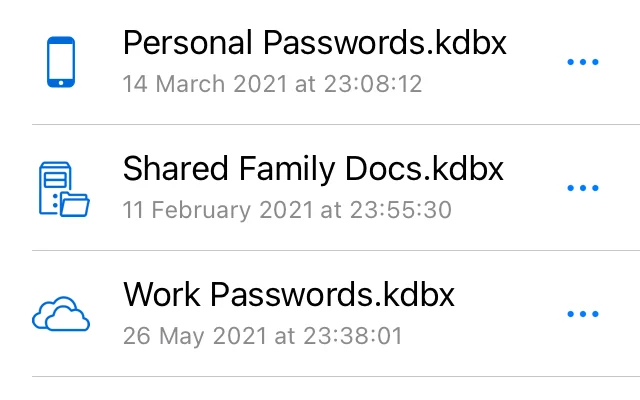
KeePassium
KeePassium for iOS and macOS: official downloads, KeePass databases, autofill, file provider sync and backups.
Password managers · macOS, iOS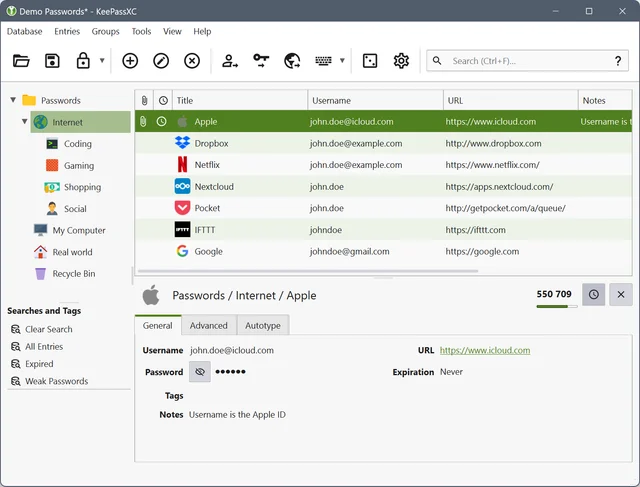
KeePassXC
create a local KDBX password database, generate passwords, make backups and connect the browser extension.
Password managers · Windows, macOS, Linux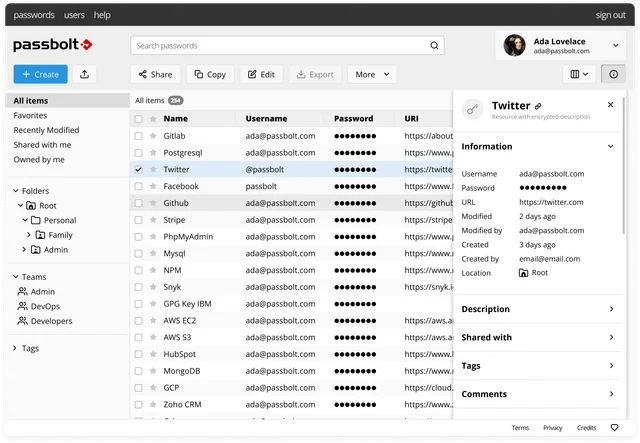
Passbolt
Set up team password management in Passbolt, including the browser extension, sharing permissions and recovery.
Password managers · Windows, macOS, Linux, Android, iOS, Web client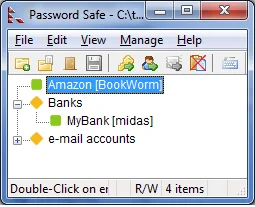
Password Safe
official download, psafe3 database setup, record groups, safe password entry and backup verification.
Password managers · Windows, Linux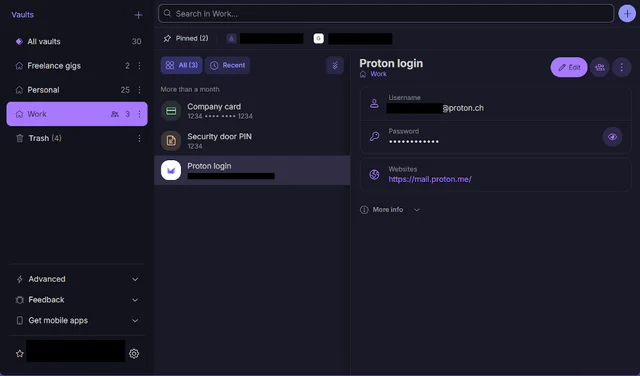
Proton Pass
Set up Proton Pass apps and extensions, import passwords and check account recovery.
Password managers · Windows, macOS, Linux, Android, iOS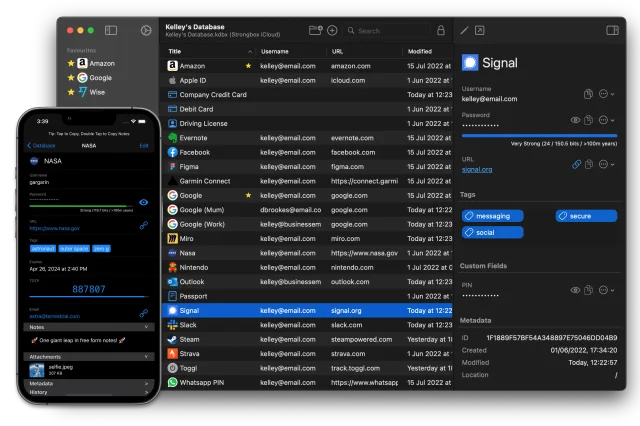
Strongbox
Open KeePass or Password Safe databases on Mac and iPhone, choose where to store them and test sync.
Password managers · macOS, iOSHow to choose a tool
Compare where the database is stored and how sync and backups work. A strong vault password is only one part of account protection. Set up a second factor and plan recovery. Try the whole process with a test entry before moving important accounts.
Checks before use
Open an overview of the selected program: there is a link to the official distribution, the start of work and restrictions. First check the script on the test data, then configure the copies and restore. A description of the feature does not mean that it works the same in every version or on each platform.
Other tasks
All tool categories · Sign-in security: passkeys, TOTP and SMS · How to verify a support request