 EN
Secure file transfer
Transferring files to your own server and sharing through a temporary onion service involve different access models.
Programs in this category
10 tools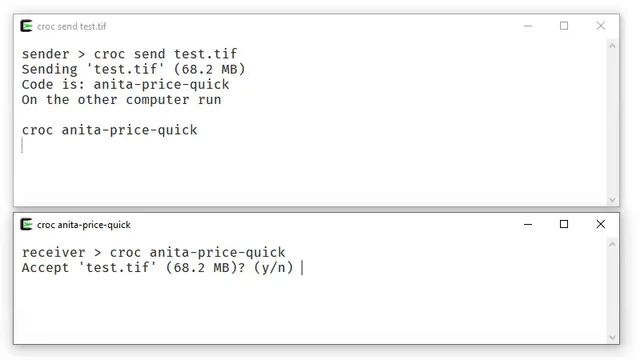
croc
Send files from a terminal with a one-time code and verify who is receiving them.
Secure file transfer · Windows, macOS, Linux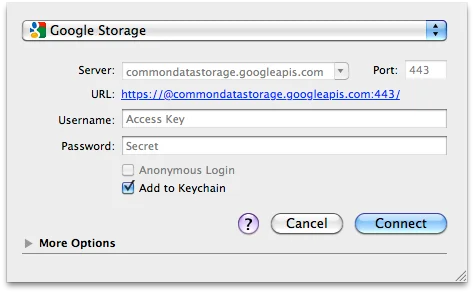
Cyberduck
official downloads for Windows and macOS, SFTP and cloud storage access, server verification and secure transfers.
Secure file transfer · Windows, macOS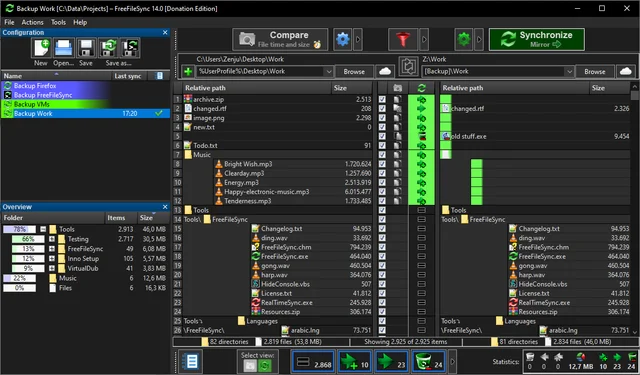
FreeFileSync
Compare folders and preview changes before running two-way sync or mirroring in FreeFileSync.
Secure file transfer · Windows, macOS, Linux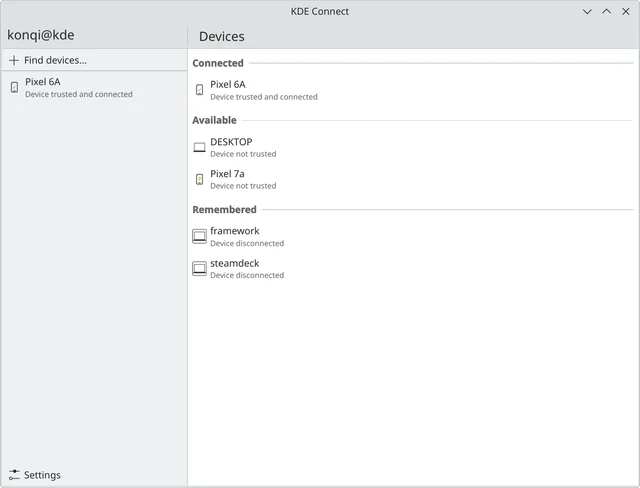
KDE Connect
official apps, pairing phones and computers, file transfers, permissions for plugins and platform differences.
Secure file transfer · Windows, macOS, Linux, Android, iOS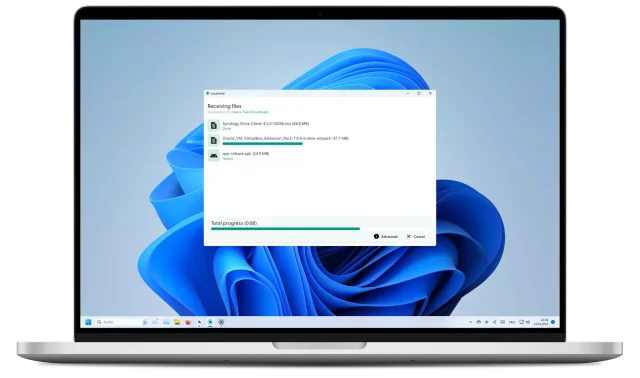
LocalSend
official apps, local file transfers between phones and computers, recipient checks and device discovery troubleshooting.
Secure file transfer · Windows, macOS, Linux, Android, iOS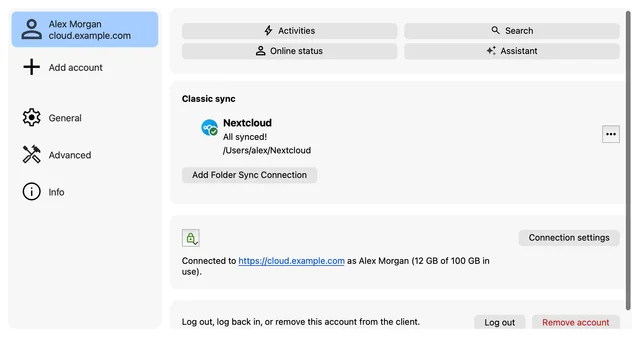
Nextcloud Desktop
Sync folders with your Nextcloud server, choose directories and check which files are available locally.
Secure file transfer · Windows, macOS, Linux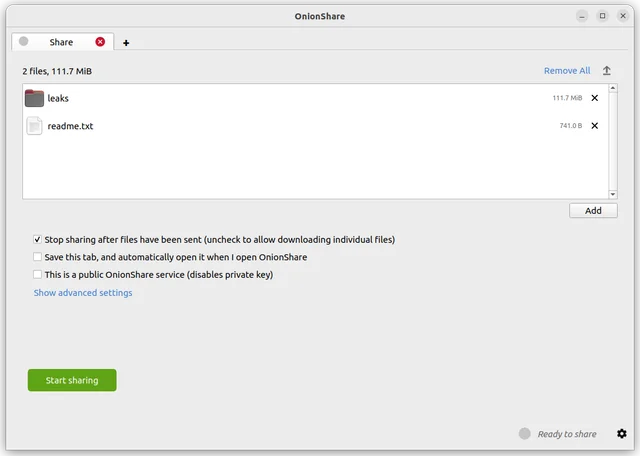
OnionShare
share files through an onion service, manage the address and access key, and stop sharing when finished.
Secure file transfer · Windows, macOS, Linux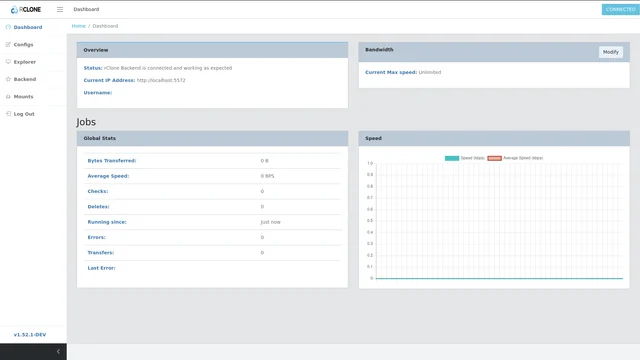
rclone
Copy or sync cloud files with rclone, verify the direction and explore its optional web interface.
Secure file transfer · Windows, macOS, Linux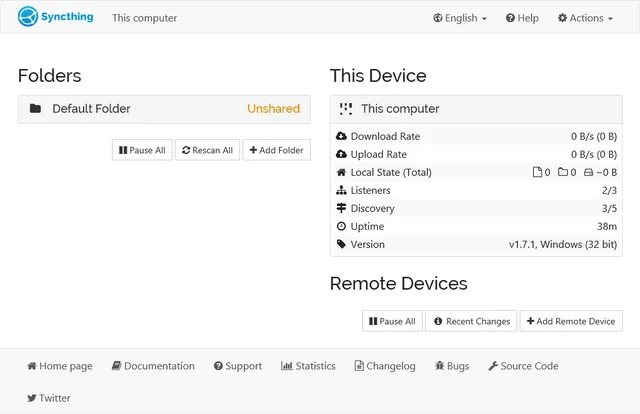
Syncthing
official downloads, device and folder setup, sync verification, propagation of deletions and the difference between sync and backup.
Secure file transfer · Windows, macOS, Linux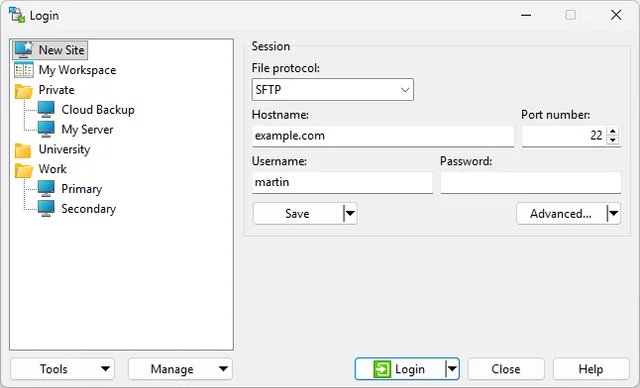
WinSCP
official downloads, SFTP setup, host key verification and file synchronization without unintended overwrites.
Secure file transfer · WindowsHow to choose a tool
Before connecting to a server, confirm the protocol, address and permissions, and verify the host key. For a one-off transfer, confirm the recipient, how they will get access and how long the service stays open. Transport encryption does not remove document metadata.
Checks before use
Open an overview of the selected program: there is a link to the official distribution, the start of work and restrictions. First check the script on the test data, then configure the copies and restore. A description of the feature does not mean that it works the same in every version or on each platform.
Other tasks
All tool categories · Sign-in security: passkeys, TOTP and SMS · How to verify a support request