 EN
File encryption
Encrypted containers and per-file vaults for documents on your device and in the cloud.
Programs in this category
10 tools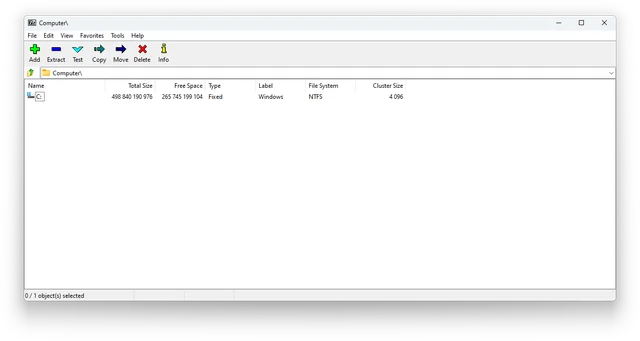
7-Zip
official downloads, Windows and command-line editions, 7z archives with AES-256, file name encryption and extraction checks.
File encryption · Windows, macOS, Linux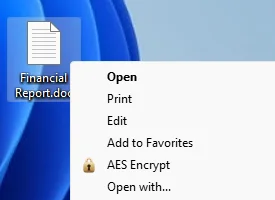
AES Crypt
Encrypt individual files with AES Crypt and verify that you can decrypt them before sharing.
File encryption · Windows, macOS, Linux, Android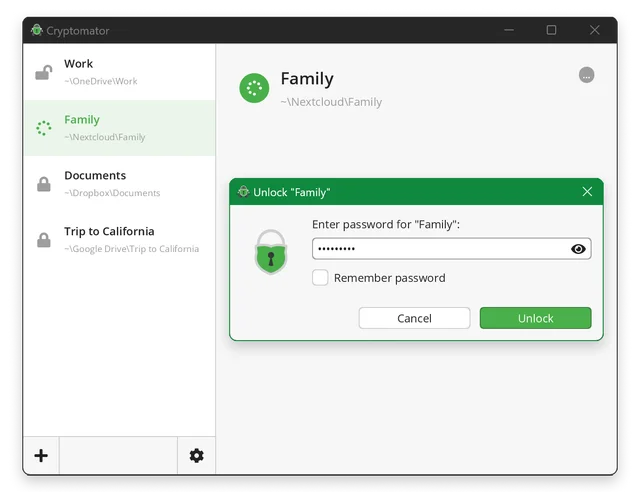
Cryptomator
encrypt files before syncing to the cloud, create a vault, save a recovery key and back up your files.
File encryption · Windows, macOS, Linux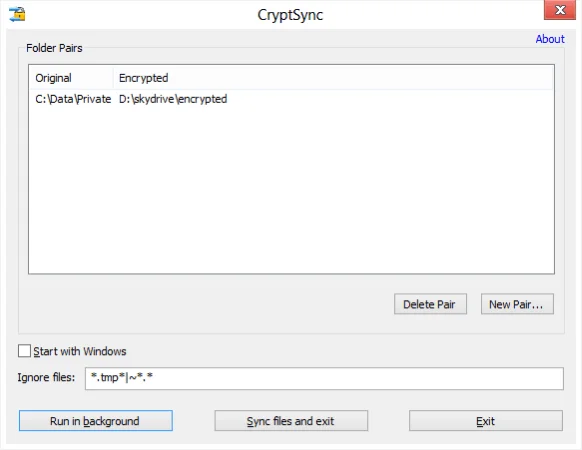
CryptSync
Sync an unencrypted folder with an encrypted copy in Windows, choose a sync direction and test recovery.
File encryption · Windows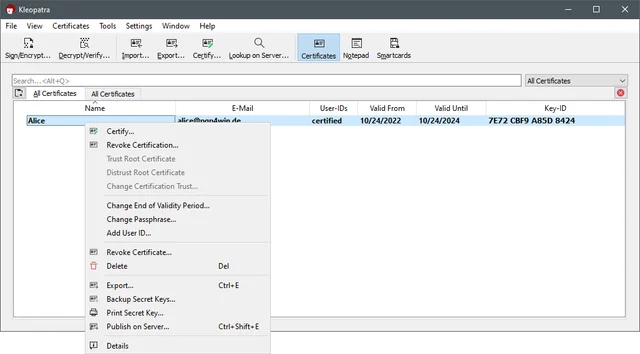
Gpg4win
encrypt and sign files on Windows with Kleopatra, exchange public keys, verify fingerprints and back up the private key.
File encryption · Windows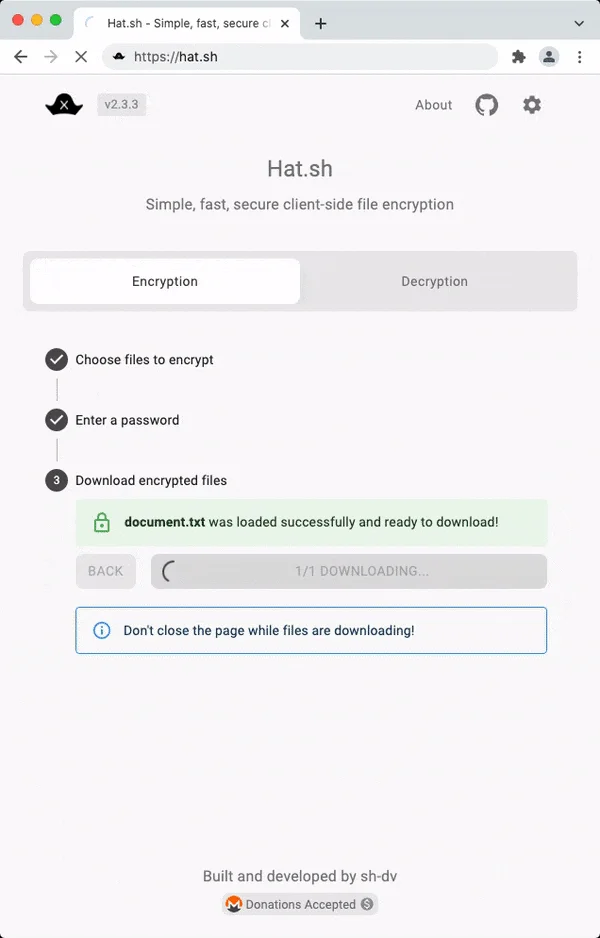
Hat.sh
Encrypt a file in your browser with Hat.sh, save the output and learn how to host the app yourself.
File encryption · Web client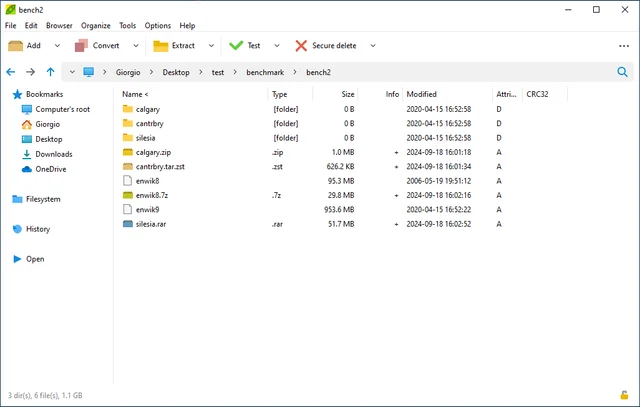
PeaZip
choose a format for encrypted archives, protect file names, download the official build and test extraction on the recipient’s device.
File encryption · Windows, macOS, Linux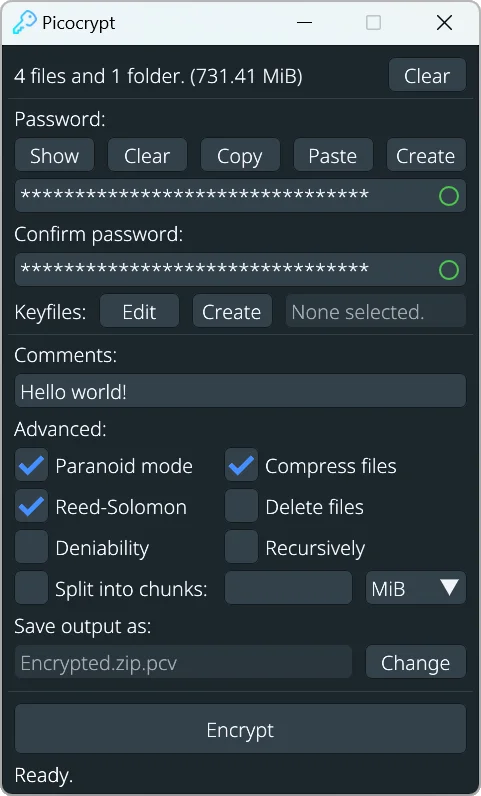
Picocrypt
Find the archived Picocrypt repository and understand its file encryption and support limits.
File encryption · Windows, macOS, Linux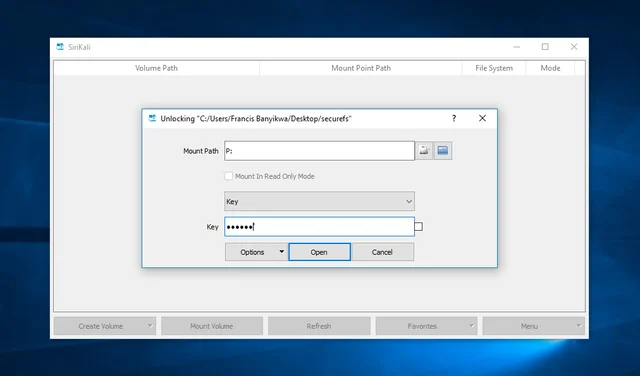
SiriKali
official builds, a graphical interface for folder encryption, backend selection, mount points and backups.
File encryption · Windows, macOS, Linux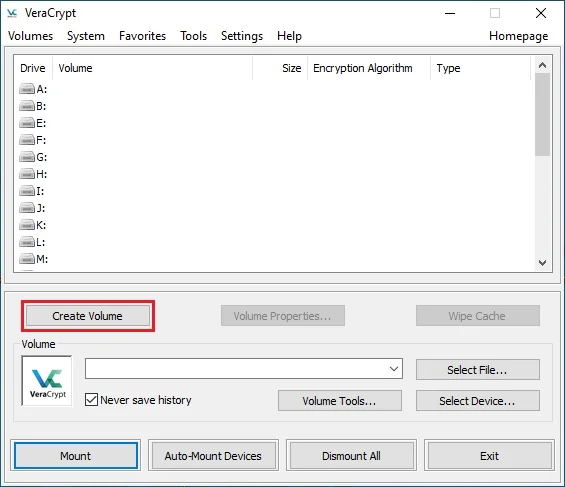
VeraCrypt
create a file container, mount and dismount it, plan backups and understand what volume encryption protects.
File encryption · Windows, macOS, LinuxHow to choose a tool
Choose according to how you use your data: individual files in a synced folder or one encrypted volume. Storage encryption cannot stop applications on an infected device from reading open files. Verify a separate backup.
Checks before use
Open an overview of the selected program: there is a link to the official distribution, the start of work and restrictions. First check the script on the test data, then configure the copies and restore. A description of the feature does not mean that it works the same in every version or on each platform.
Other tasks
All tool categories · Sign-in security: passkeys, TOTP and SMS · How to verify a support request