 EN
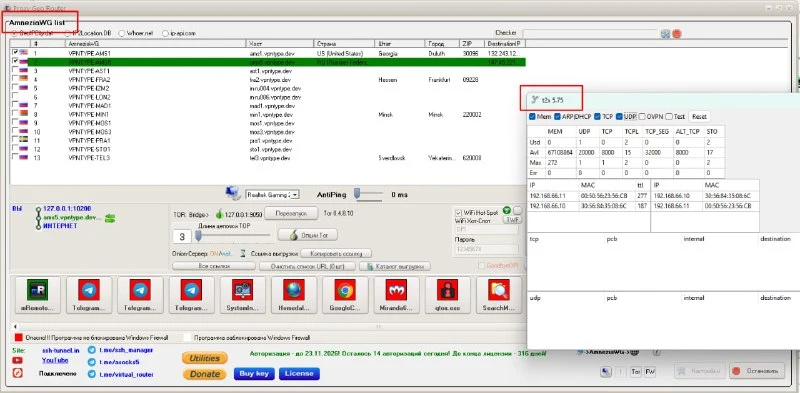
Double SSH Tunnel Manager / Proxy Geo Router
Manage SSH, proxies and routes. Developer downloads, updates and interface screenshots.
Operating system: Windows
Read the reviewCompare tools for passwords, file encryption, transfers, network access and diagnostics. Read practical reviews, limitations and official download guidance.
Manage SSH, proxies and routes. Developer downloads, updates and interface screenshots.
Operating system: Windows
Read the review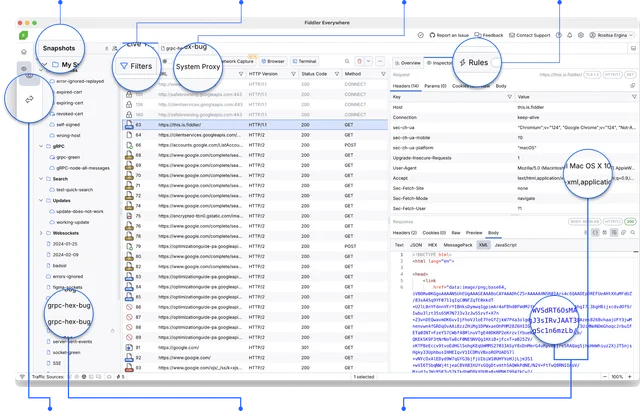
Debug HTTP and HTTPS in Fiddler Everywhere, filter sessions and handle captured data safely. Capture can contain passwords, cookies and service keys. Keep it with the same limitations as the original data.
Operating system: Windows · macOS · Linux
Read the review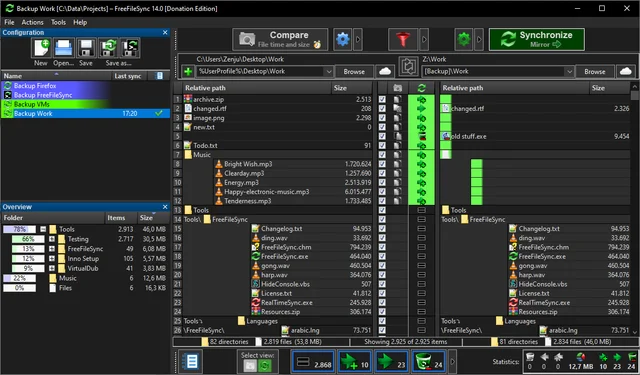
Compare folders and preview changes before running two-way sync or mirroring in FreeFileSync. Synchronization can repeat the source error on the appointment. The only mirror copy does not protect against all data loss scenarios.
Operating system: Windows · macOS · Linux
Read the review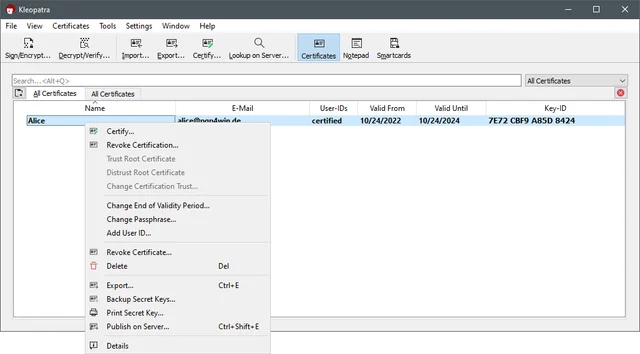
encrypt and sign files on Windows with Kleopatra, exchange public keys, verify fingerprints and back up the private key. The secret key cannot be sent as a contact card. An open part is used for exchange. The private key password and backup require separate storage; the loss of both access methods can make the old encrypted documents inaccessible.
Operating system: Windows
Read the review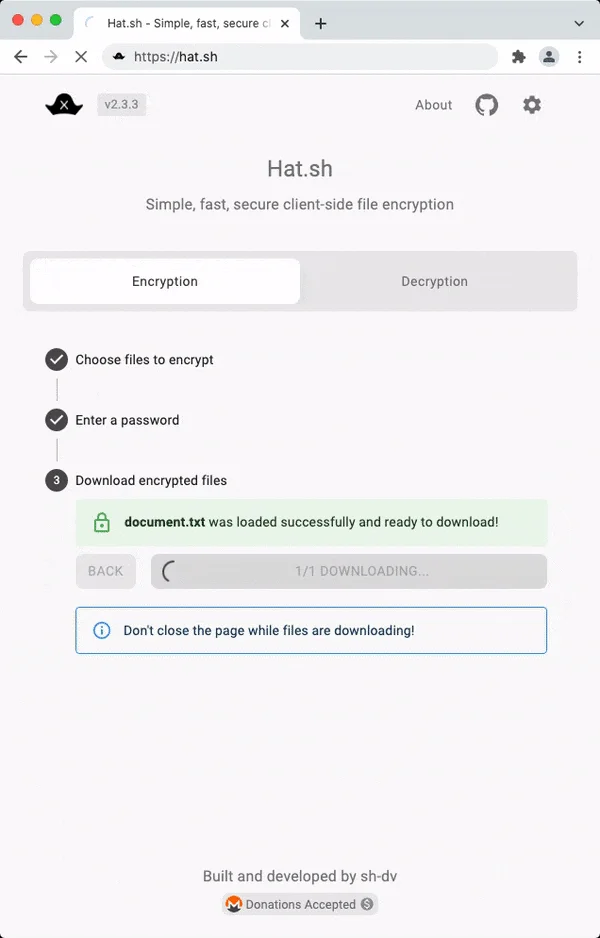
Encrypt a file in your browser with Hat.sh, save the output and learn how to host the app yourself. The ability to handle large files and save depends on the browser. Check your script before working with a single copy of a large archive.
Operating system: Web client
Read the review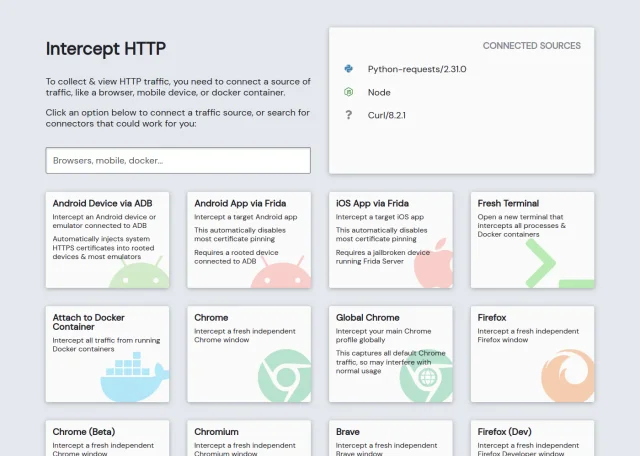
Debug HTTP requests from your application. Select a traffic source, find a request and inspect its response. The interception works only for traffic passing through the proxy. Other tools are needed to verify packet losses and route.
Operating system: Windows · macOS · Linux
Read the review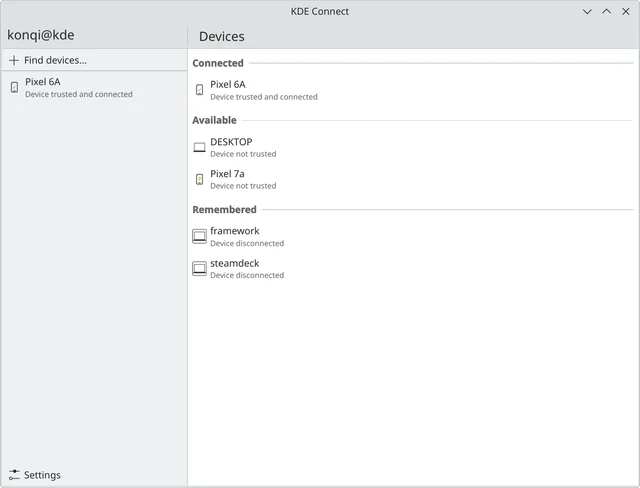
official apps, pairing phones and computers, file transfers, permissions for plugins and platform differences. If the devices don't see each other, check the customer isolation in Wi-Fi, firewall rules, and VPN impact. Do not disable all network protection indiscriminately: first check the requirements in the official instructions and the purpose of a specific rule.
Operating system: Windows · macOS · Linux · Android · iOS
Read the review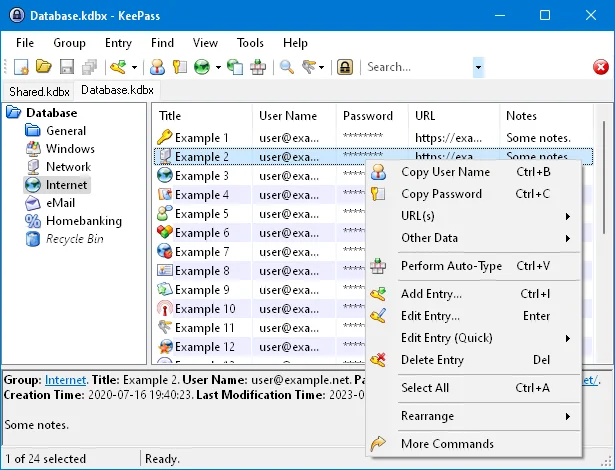
local KDBX password databases, official downloads, master key setup, password generation and backup verification. KeePass has no universal email reset for the master password. If you lose every required part of the master key and have no accessible copy, the developer cannot restore access for you. Record your recovery procedure before moving important accounts.
Operating system: Windows · macOS · Linux
Read the review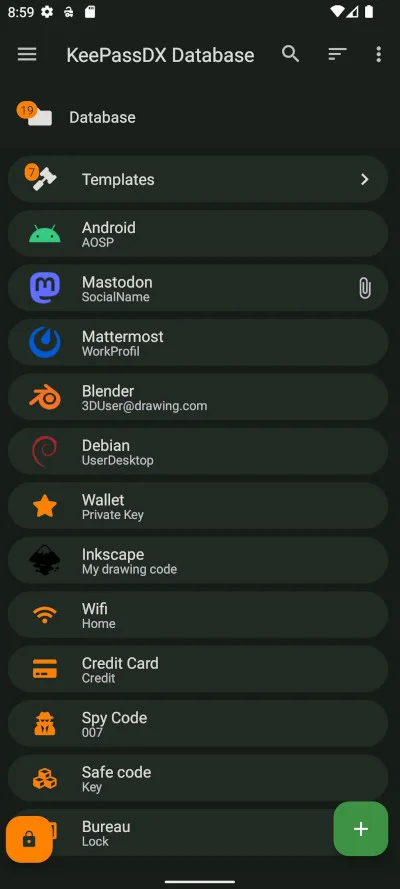
a local password database on Android, trusted installation sources, autofill, locking and KDBX backups. Changing the installation source can affect the update of the application due to differences in the signature of the builds. Do not remove the work program and the only access to the base for the sake of crossing between stores. Save the file first and check the master key on another compatible device.
Operating system: Android
Read the review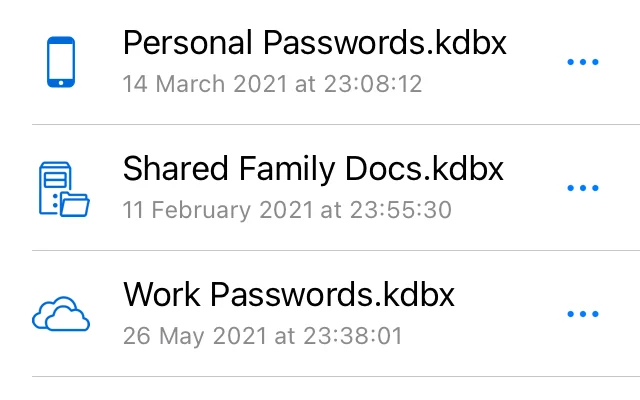
KeePassium for iOS and macOS: official downloads, KeePass databases, autofill, file provider sync and backups. Compatibility does not mean the same support for all extensions and additional fields in all clients. Before transferring the main database, check the important records, attachments and method of opening. Do not delete the original file immediately after the first successful launch.
Operating system: macOS · iOS
Read the review