Compare tools for passwords, file encryption, transfers, network access and diagnostics. Read practical reviews, limitations and official download guidance.
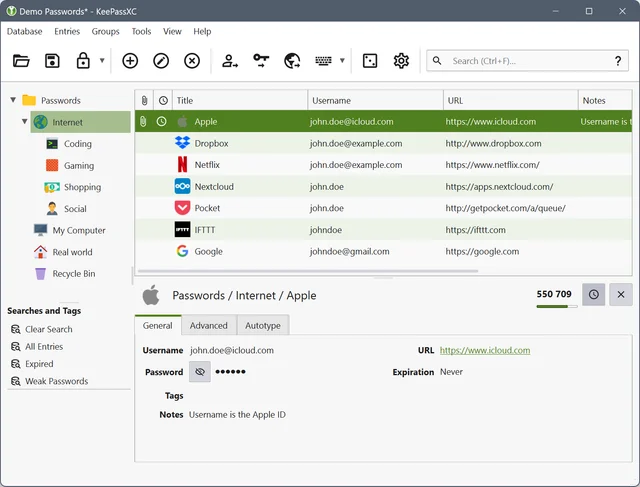
create a local KDBX password database, generate passwords, make backups and connect the browser extension. Synchronization of KDBX requires attention to conflicts. Parallel editing on different devices can create several copies. Don't delete conflicting files until you find out where the last changes remain.
Create encrypted file snapshots with KopiaUI on Windows, macOS or Linux. Choose storage, keep the repository password and test restoration before relying on a backup. Kopia backs up files and directories rather than producing a bootable image of the whole computer. Open databases need application-specific preparation. Encryption does not stop an attacker with sufficient storage permissions from deleting your repository.
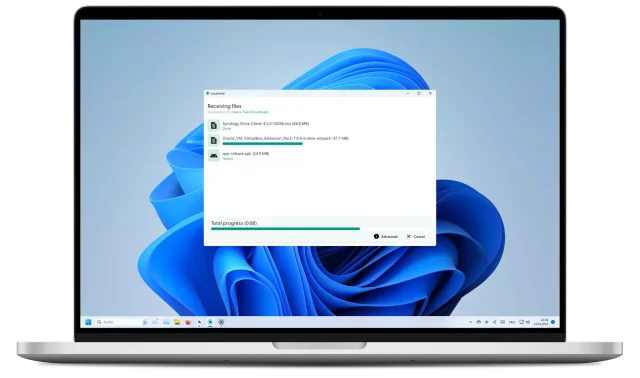
official apps, local file transfers between phones and computers, recipient checks and device discovery troubleshooting. The lack of cloud loading does not cancel the addressee checks. The file accepted by another device is already under the control of its owner. Check the composition of the sent folder: next to the desired document may lie service data or drafts.
Operating system: Windows · macOS · Linux · Android · iOS
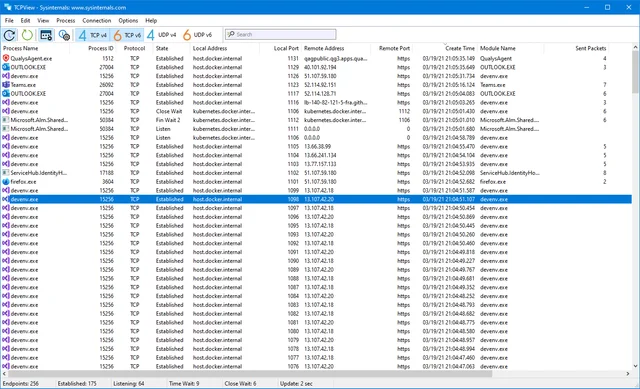
official download and a guide to interpreting Windows processes, TCP and UDP addresses, and connection states. TCPView does not display packet contents or decrypt HTTPS. Use a suitable protocol analyzer and obtain the necessary access before inspecting traffic contents. A process name alone does not verify an executable’s signature or origin.
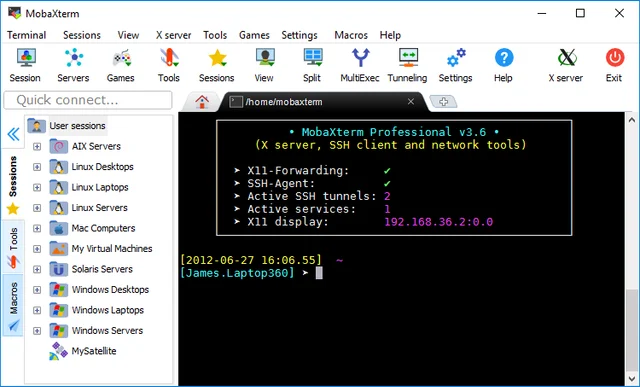
Set up SSH, SFTP and X11 in Windows and compare MobaXterm Home and Professional. The picture from the documentation shows the developer's interface; the set of functions depends on the editorial board. The presence of a button in the illustration does not promise its availability in Home.
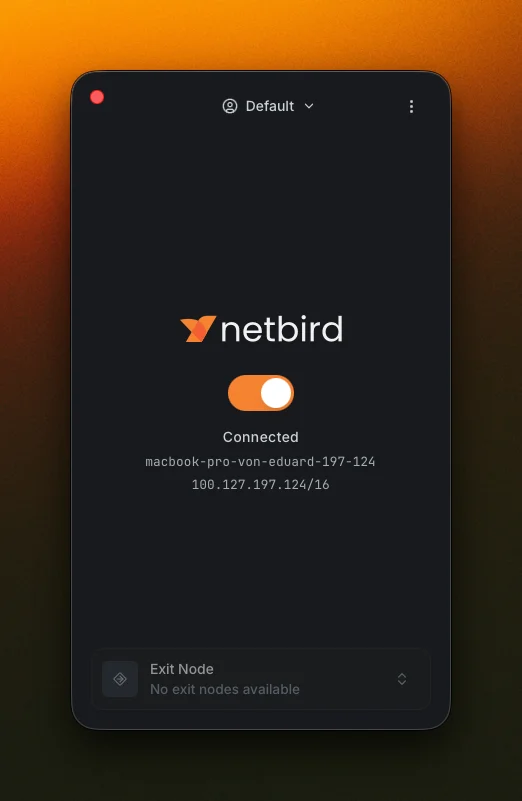
Connect your devices through WireGuard, install the client and test access rules. The device with authorized access remains part of the trusted network. Remove lost devices and revise the broad rules.
Operating system: Windows · macOS · Linux · Android · iOS
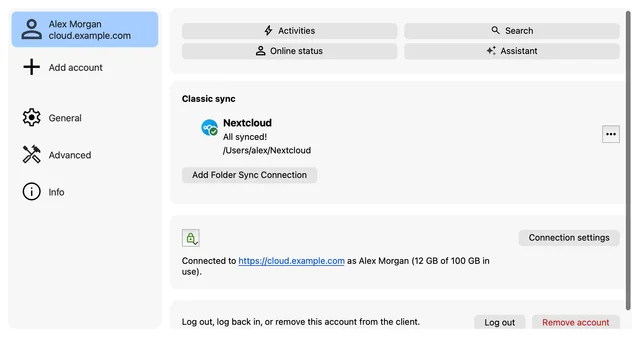
Sync folders with your Nextcloud server, choose directories and check which files are available locally. Deleting or corrupting the file may be synchronized to other devices. Version history and server cart are useful, but do not replace an independent backup.
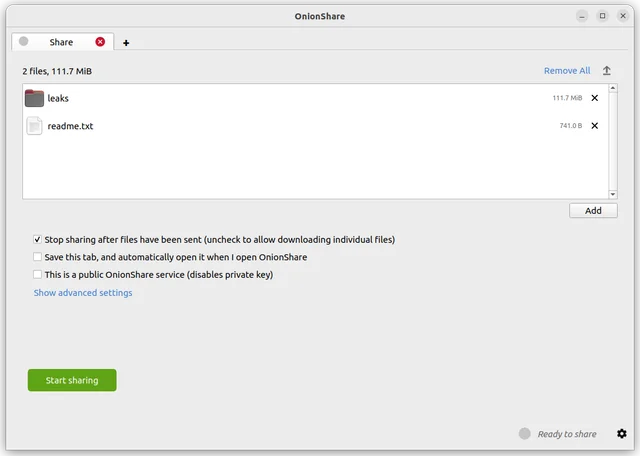
share files through an onion service, manage the address and access key, and stop sharing when finished. The documentation describes an option to stop sharing automatically after a download. If you disable it for multiple recipients, the service can stay online. A recipient closing their browser tab does not confirm that sharing stopped.
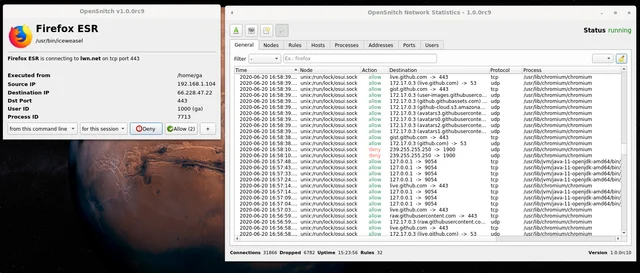
See outbound connections from Linux applications and create rules for specific processes and destinations. The rule does not determine whether the remote server is secure. Check the purpose of the connection and the origin of the application separately.
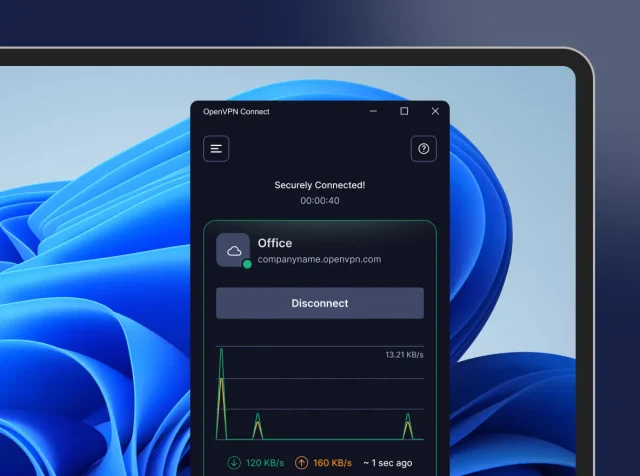
official VPN client downloads, .ovpn profile import, work network access checks and comparisons with WireGuard and Tailscale. Treat your VPN profile as a credential. Do not attach the full profile to a public bug report. If a device is lost, ask your administrator to revoke its access. Uninstalling the app from another device does not revoke access.
 EN