Compare tools for passwords, file encryption, transfers, network access and diagnostics. Read practical reviews, limitations and official download guidance.
Use Restic to save file snapshots, check a repository and restore a selected version to a separate directory on Windows, macOS, Linux or BSD. Restic does not provide a complete graphical desktop workflow itself. You need a scheduler or another integration for unattended jobs. Cloud providers may charge for storage and downloads, and access credentials need their own recovery plan.
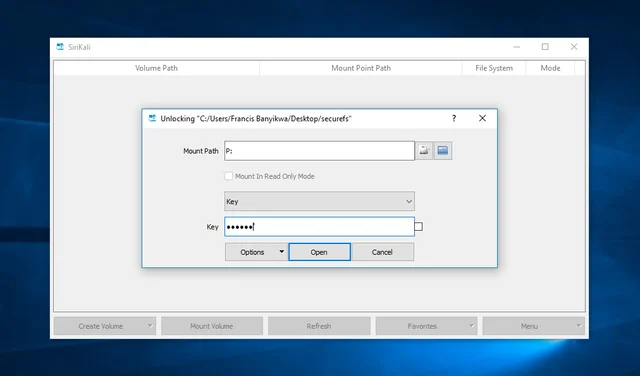
official builds, a graphical interface for folder encryption, backend selection, mount points and backups. Encryption guarantees, password requirements and recovery methods depend on the engine. Do not transfer one backend recommendation to another without documentation. Pay special attention to what service files should be saved along with the data.
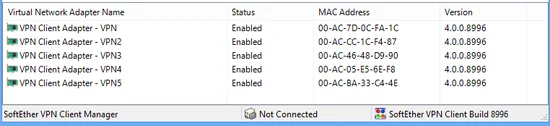
Set up a SoftEther VPN client or server, choose the right component and test your connection. Support protocols and available components depend on the platform. Windows customer manuals cannot be mechanically applied to the Linux server.
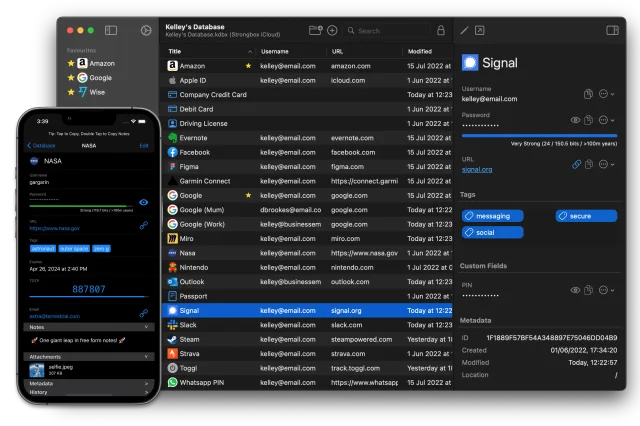
Open KeePass or Password Safe databases on Mac and iPhone, choose where to store them and test sync. The free and paid opportunities vary. Check availability of the right integration and buying conditions for your platform.
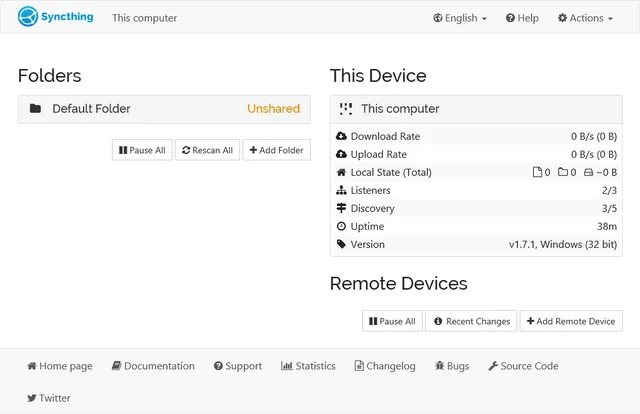
official downloads, device and folder setup, sync verification, propagation of deletions and the difference between sync and backup. Do not publish an administrative web interface on the Internet for the sake of convenience. This is a separate access to settings and data; remote management requires a well-thought-out protected method. Do not mix the synchronization permission with permission to manage the entire application.
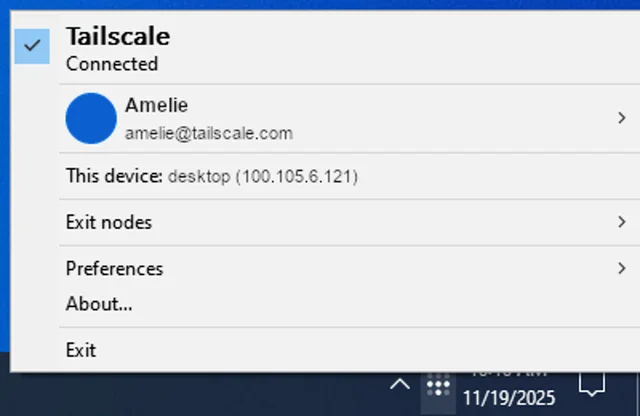
install the client, connect to your devices, manage network members and check routes without routing all traffic through the VPN. With Tailscale, you trust not only the device settings, but also the process of entry, participant management and network coordination. Protect your account with the second factor and check the list of devices. A remote or lost computer must be excluded from the permitted access.
Operating system: Windows · macOS · Linux · Android · iOS
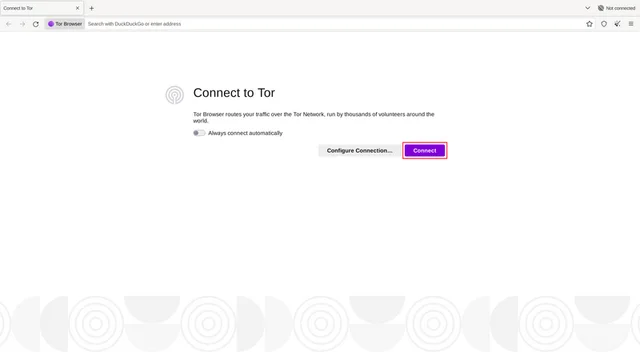
official downloads, first connection, bridges, updates and the limits of protection for browser traffic. Tor Browser does not automatically direct all computer traffic via Tor. Another browser or messenger can work directly. The file, opened in the external program, is able to create a connection outside the browser environment.
Operating system: Windows · macOS · Linux · Android
download the OpenVPN client for macOS, import a profile, check DNS and routes, and read the connection log. Do not disable the certificate check for the loss of the connection error. The reason may be the wrong time, an outdated profile, or a server change. Check the log message with the administrator and replace the configuration through the trusted channel.
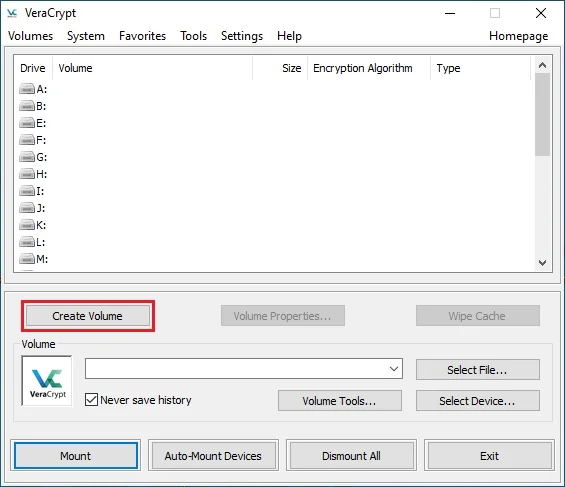
create a file container, mount and dismount it, plan backups and understand what volume encryption protects. While the volume is mounted, the user and applications can access its contents subject to OS permissions. Storage encryption cannot prevent malware infections, keystroke capture or exposure of unencrypted copies elsewhere.
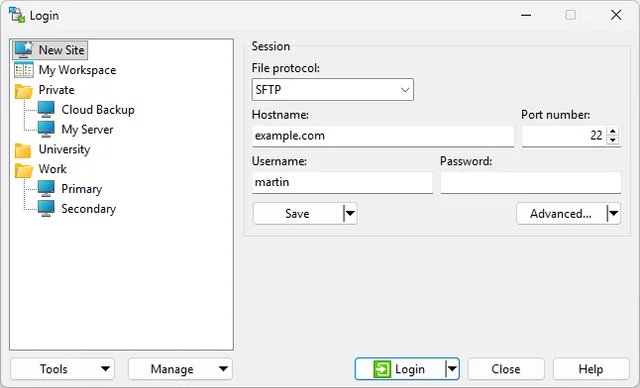
official downloads, SFTP setup, host key verification and file synchronization without unintended overwrites. Synchronization is not a backup. Error or deletion can go to the other side depending on the settings. Do not mirror an important directory without viewing the actions and the possibility of recovery.
 EN